App Store screenshots for builders who ship
Upload your raw app screenshots. Get polished, brand-consistent App Store screenshots at every Apple dimension. Under ten minutes, every time.
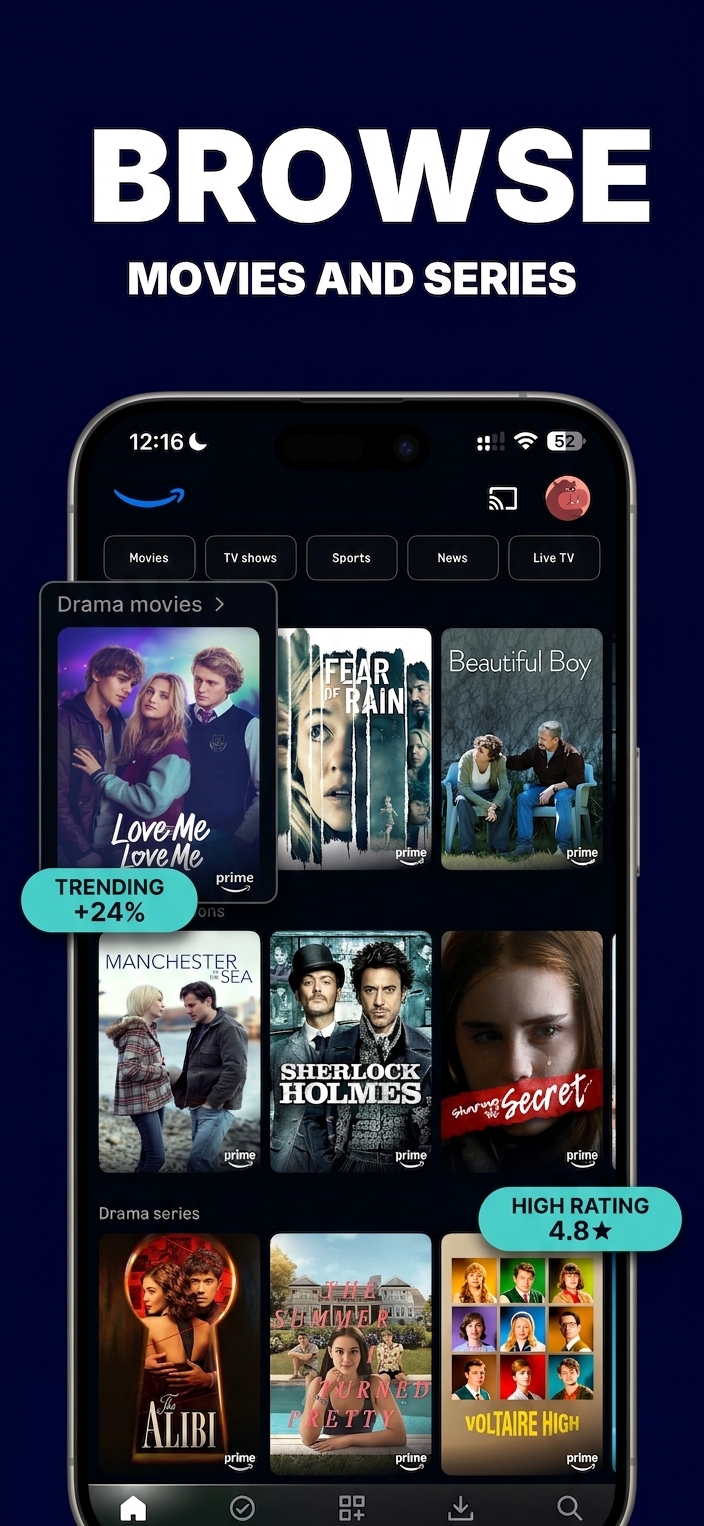
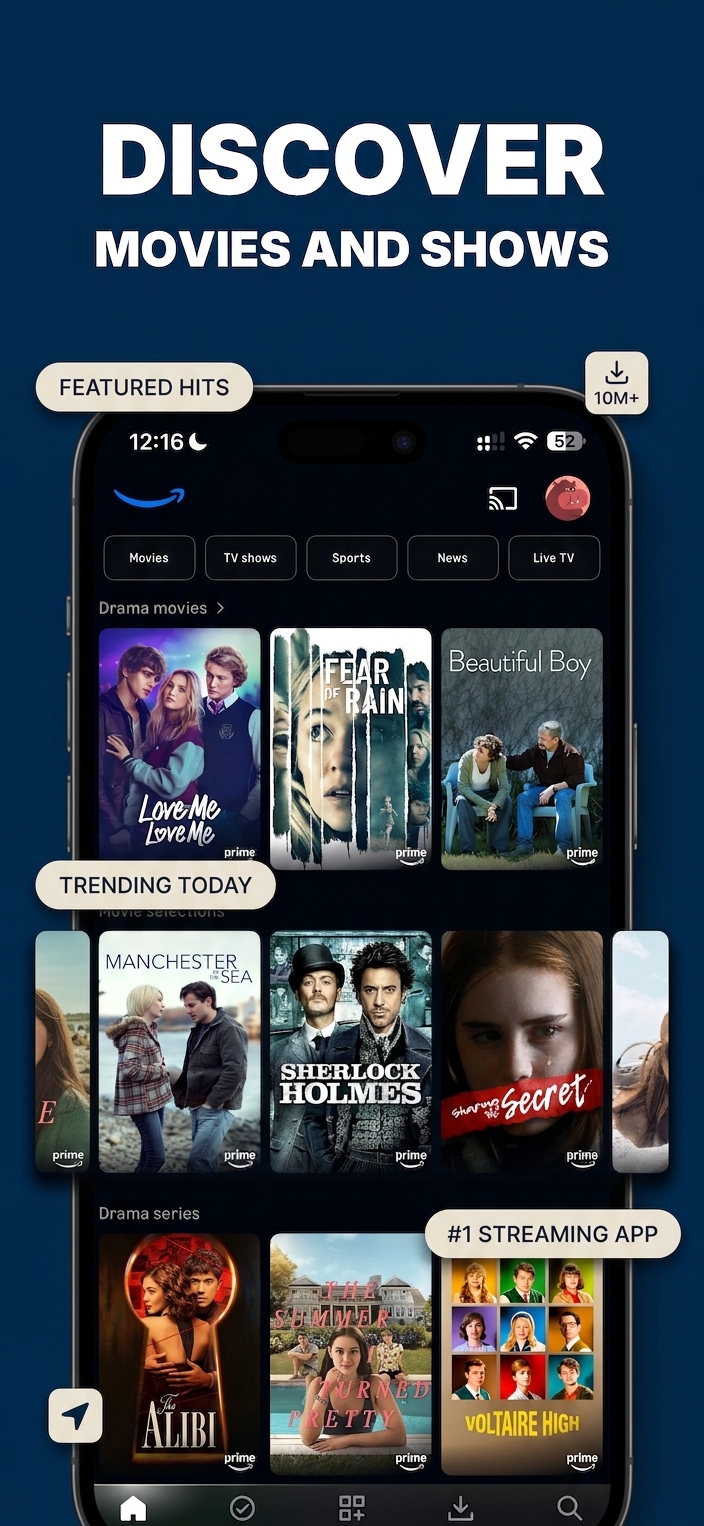
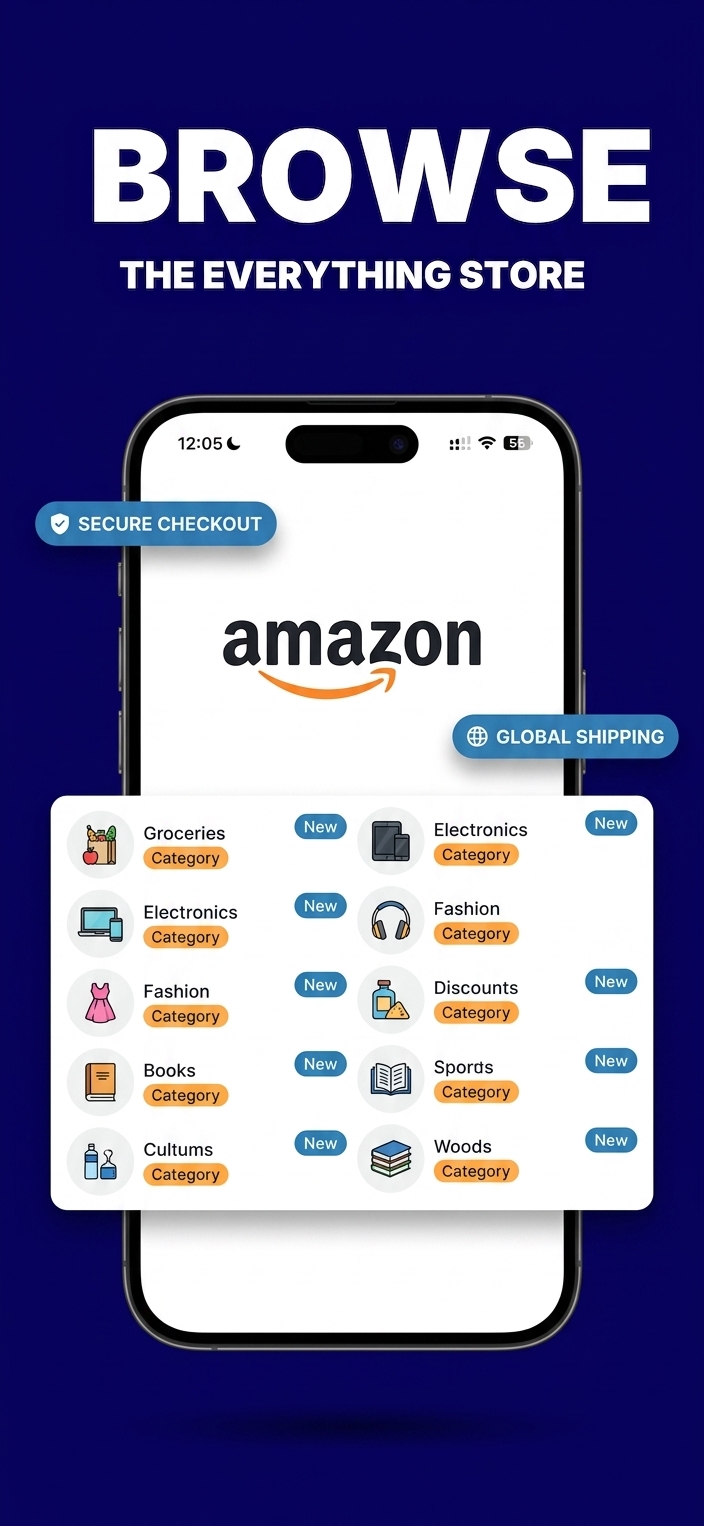
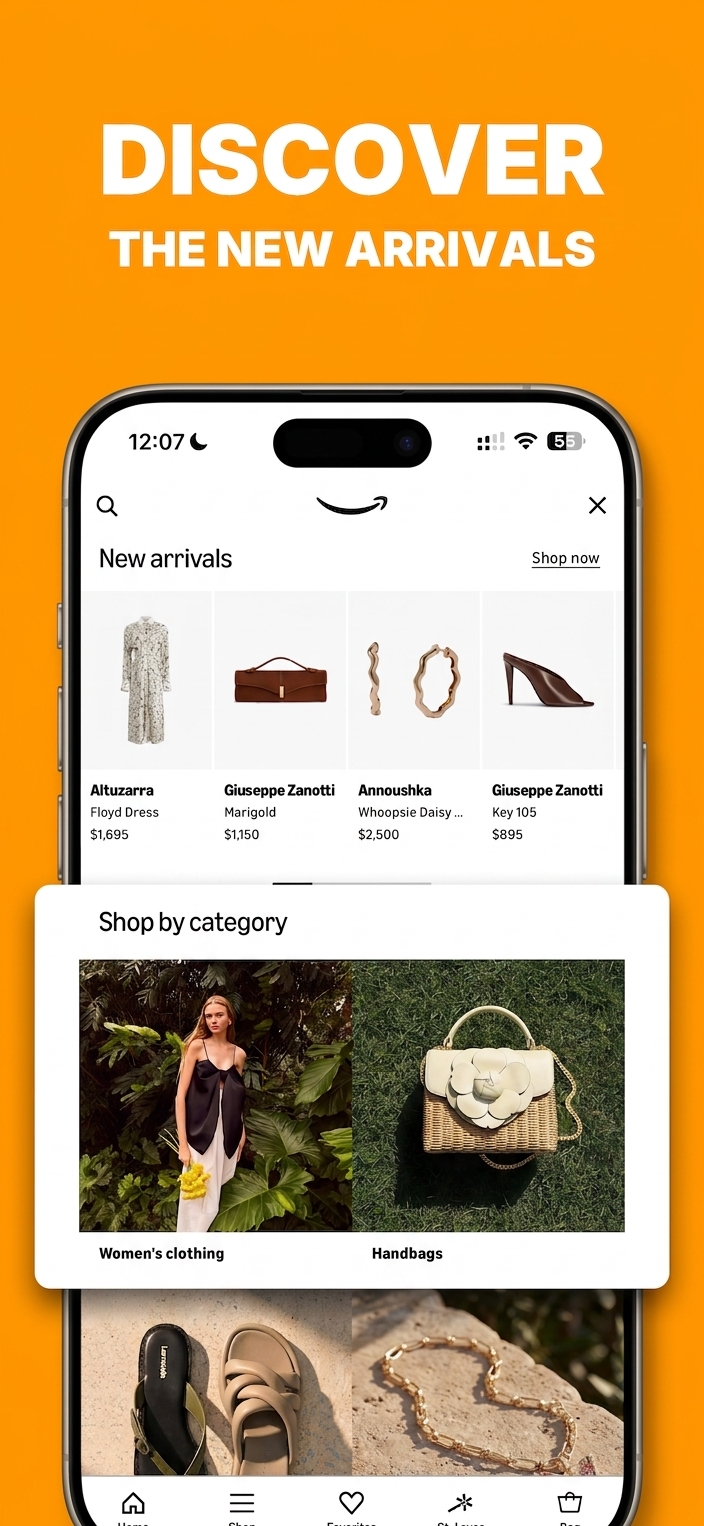
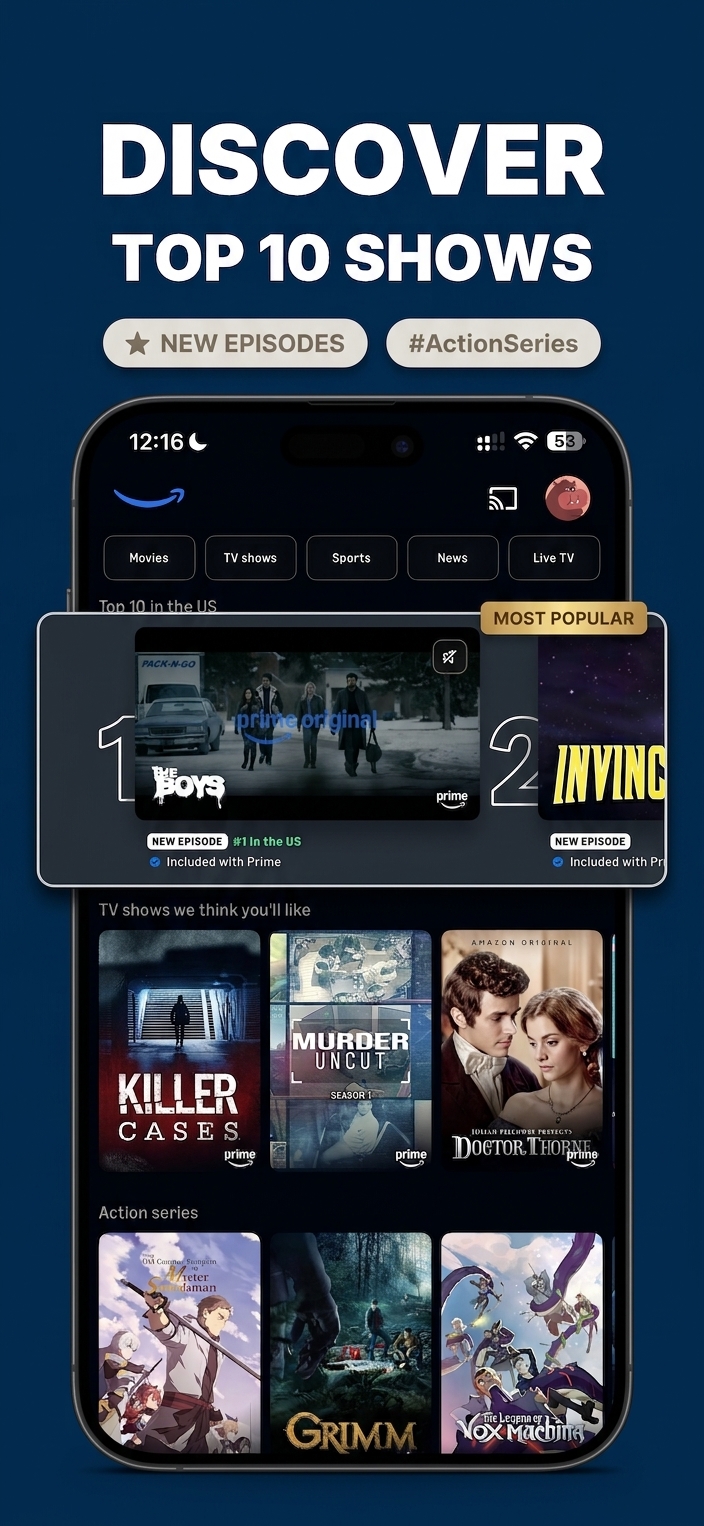
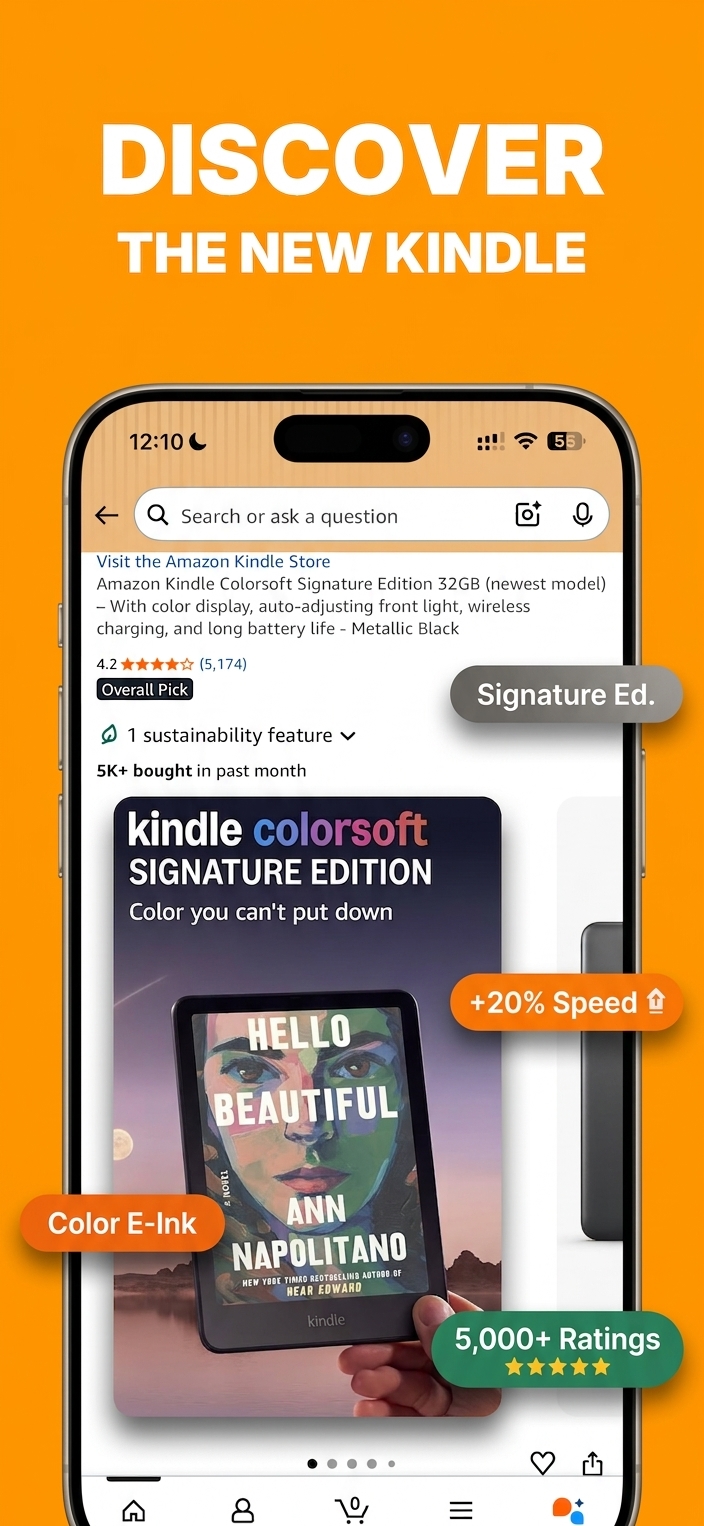
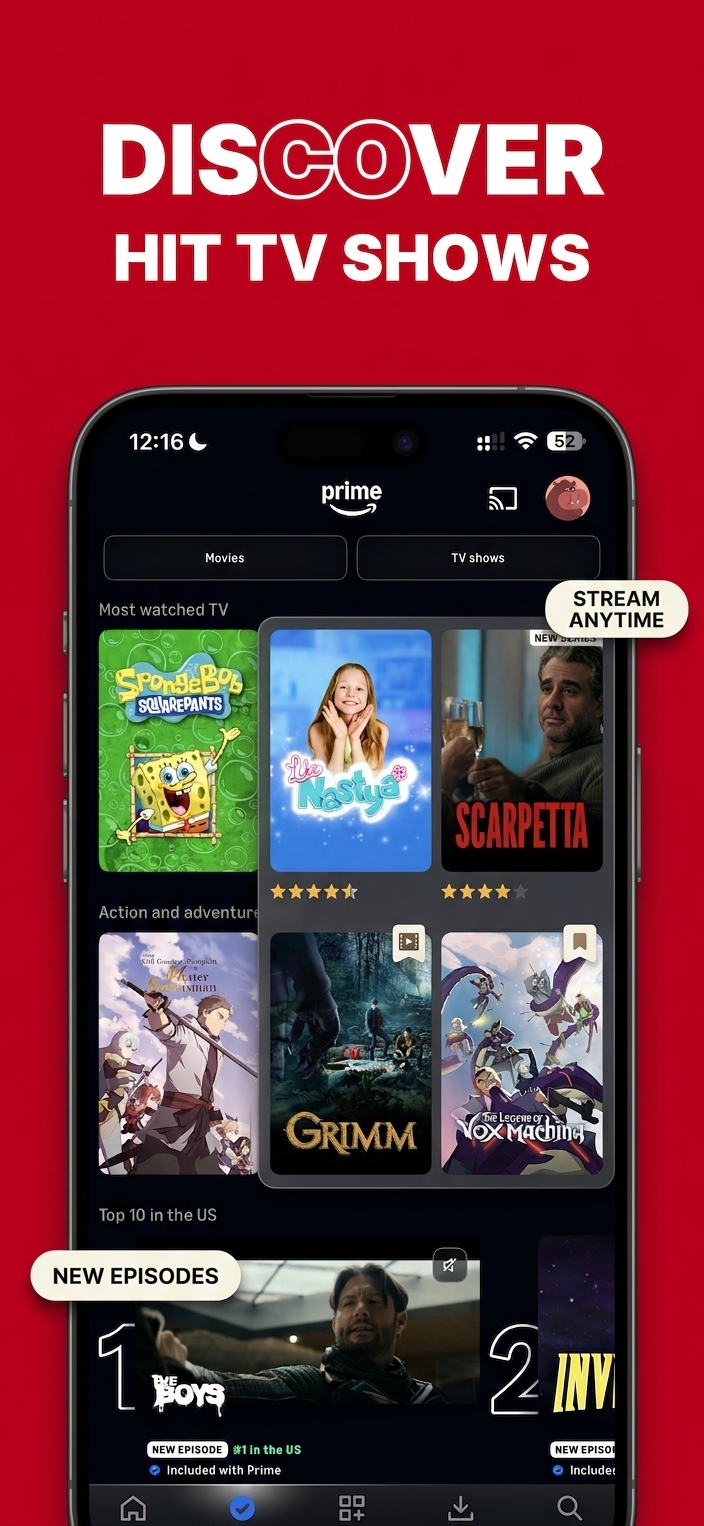

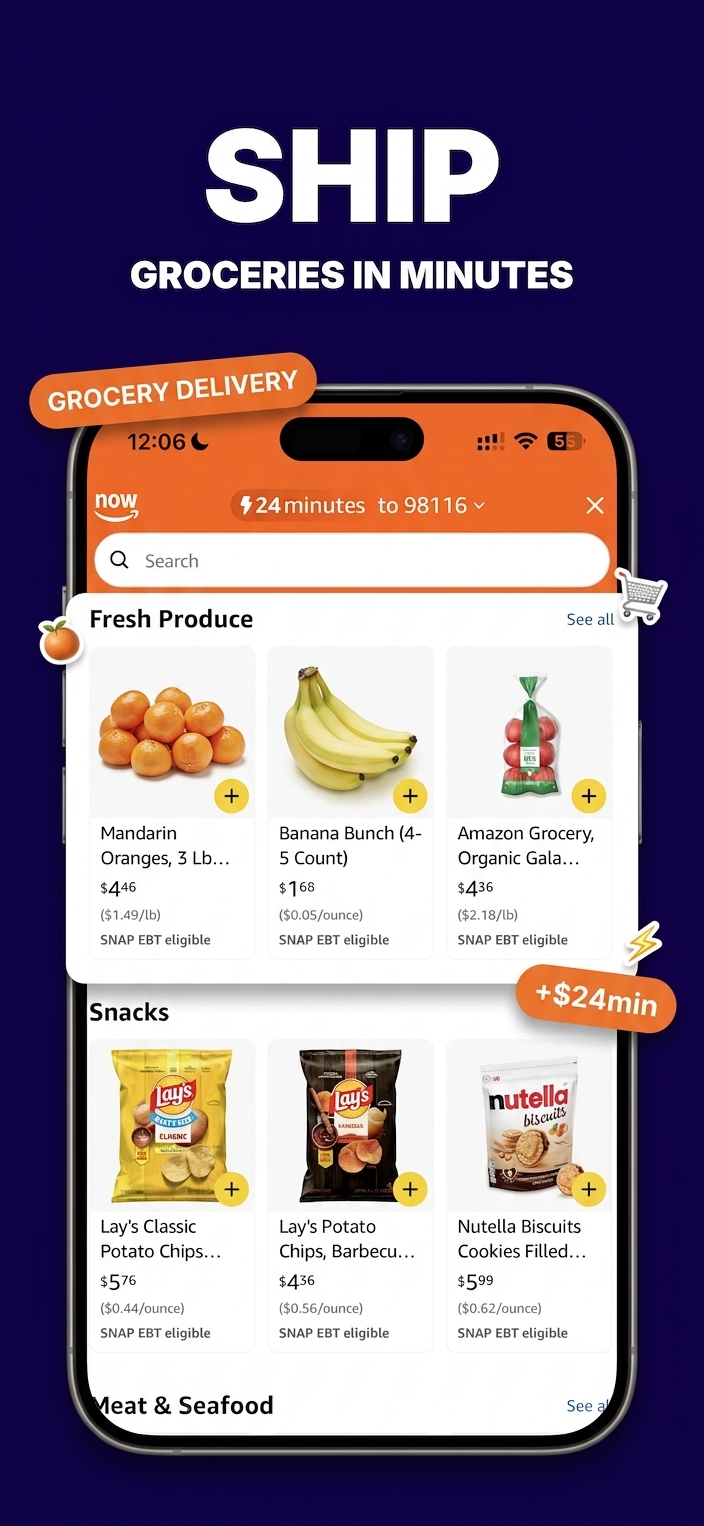
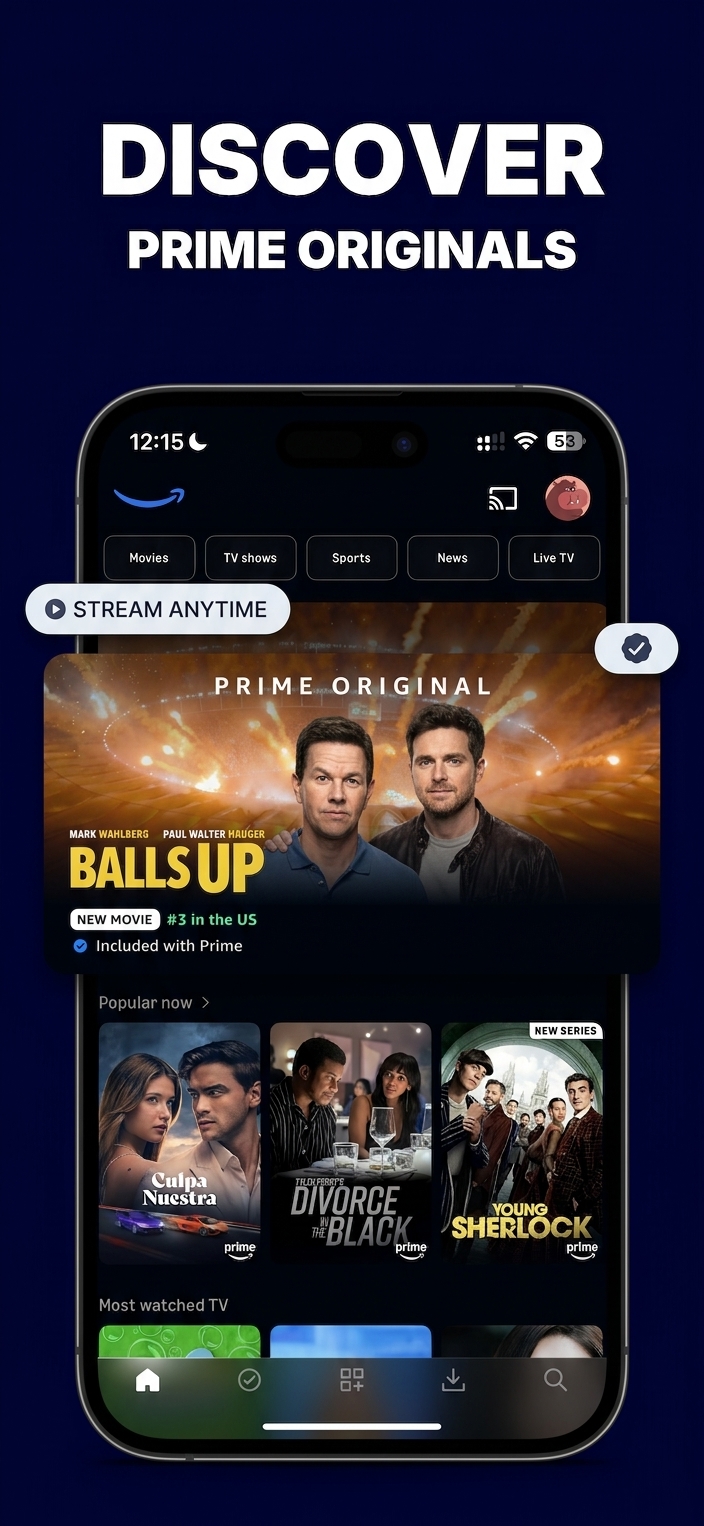
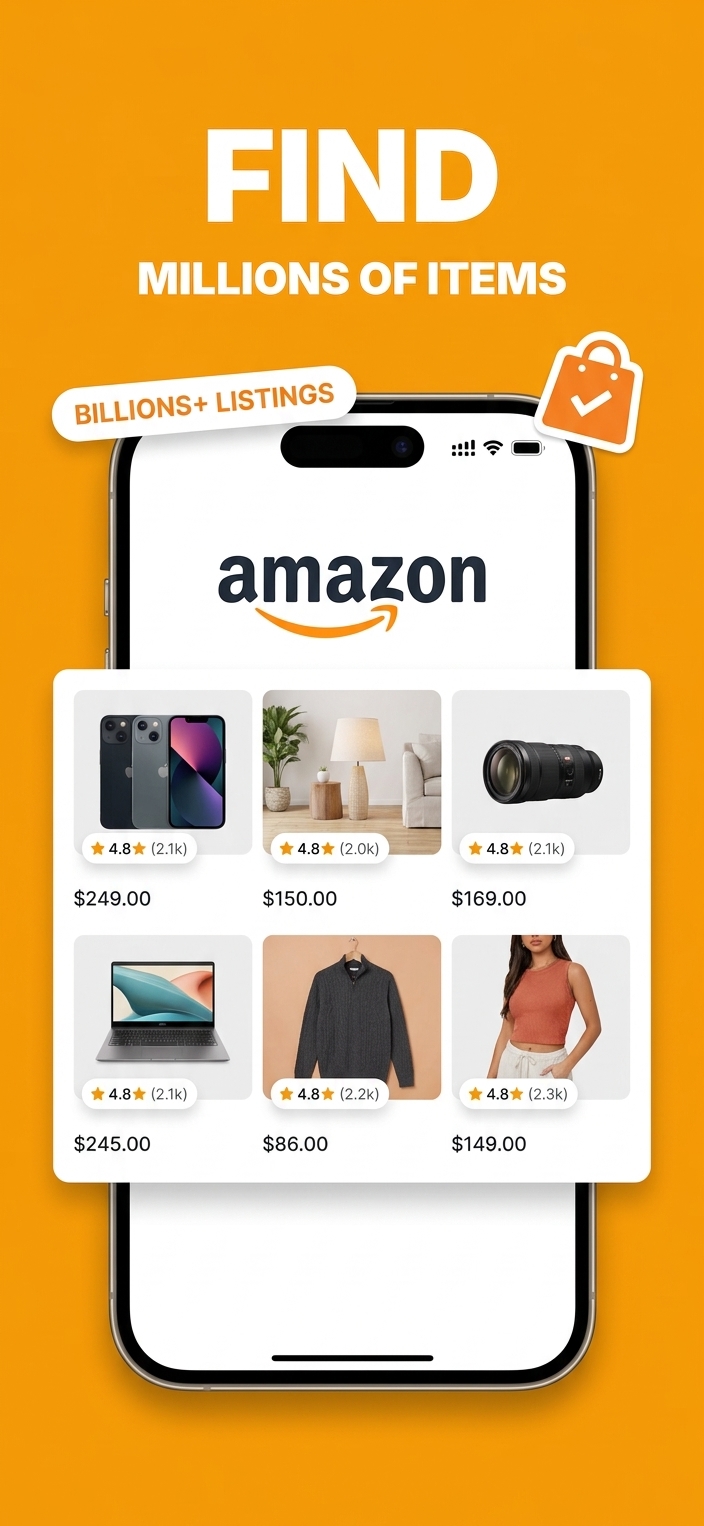
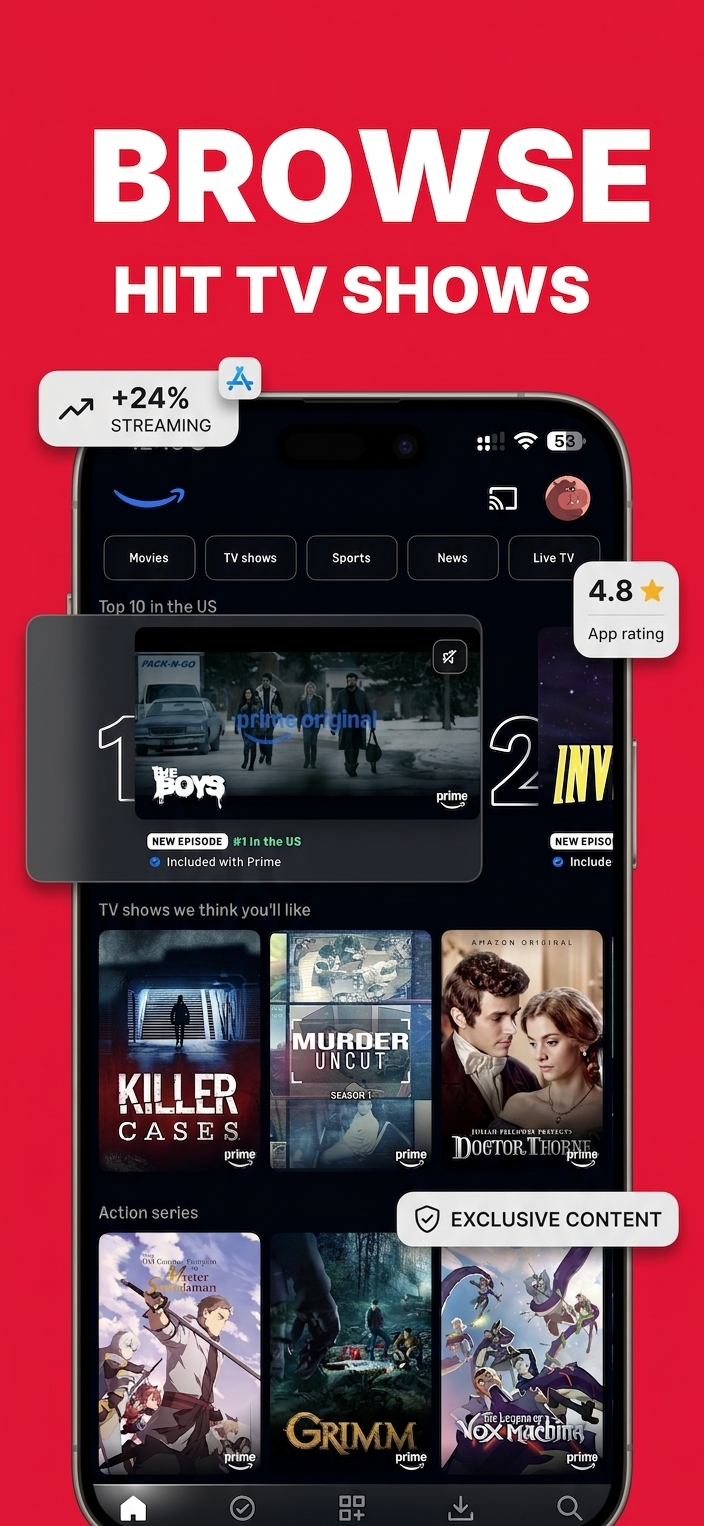

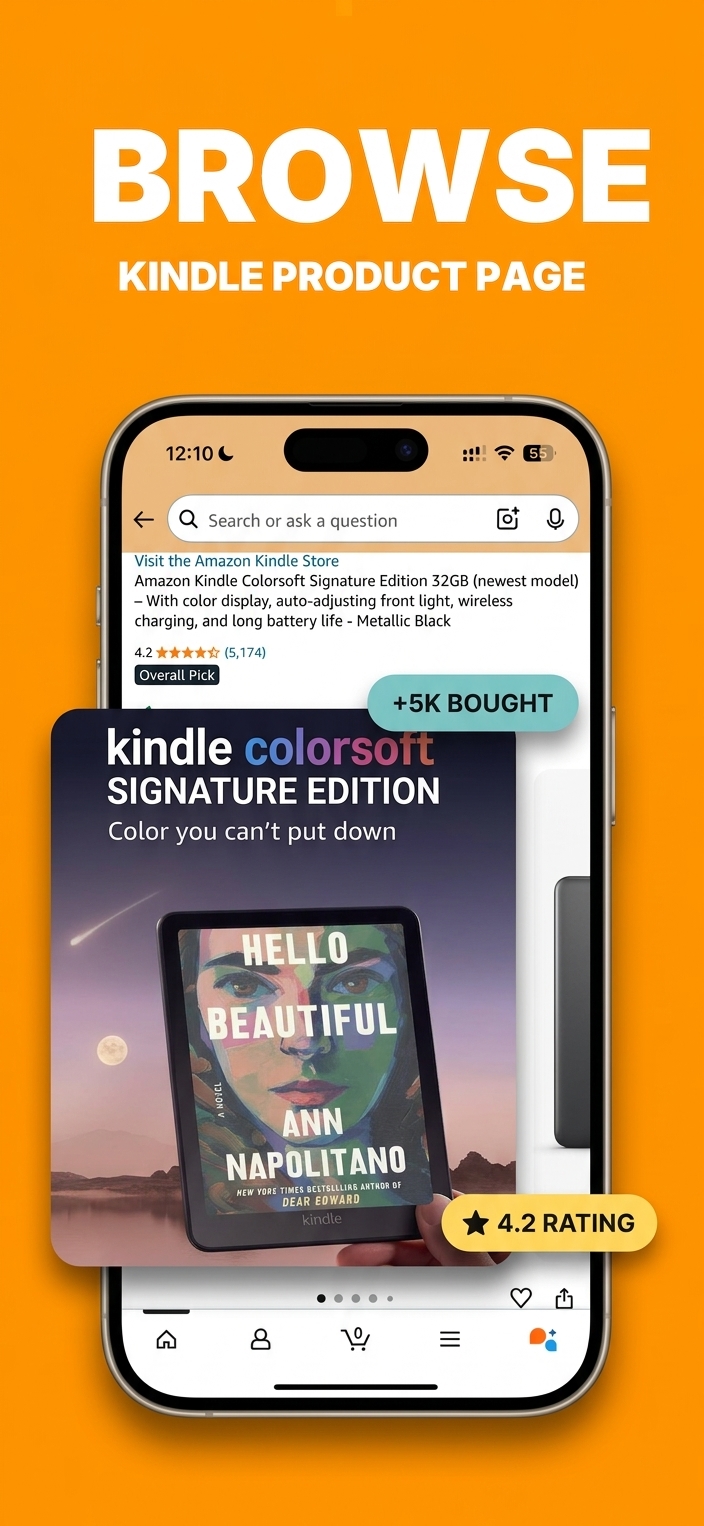
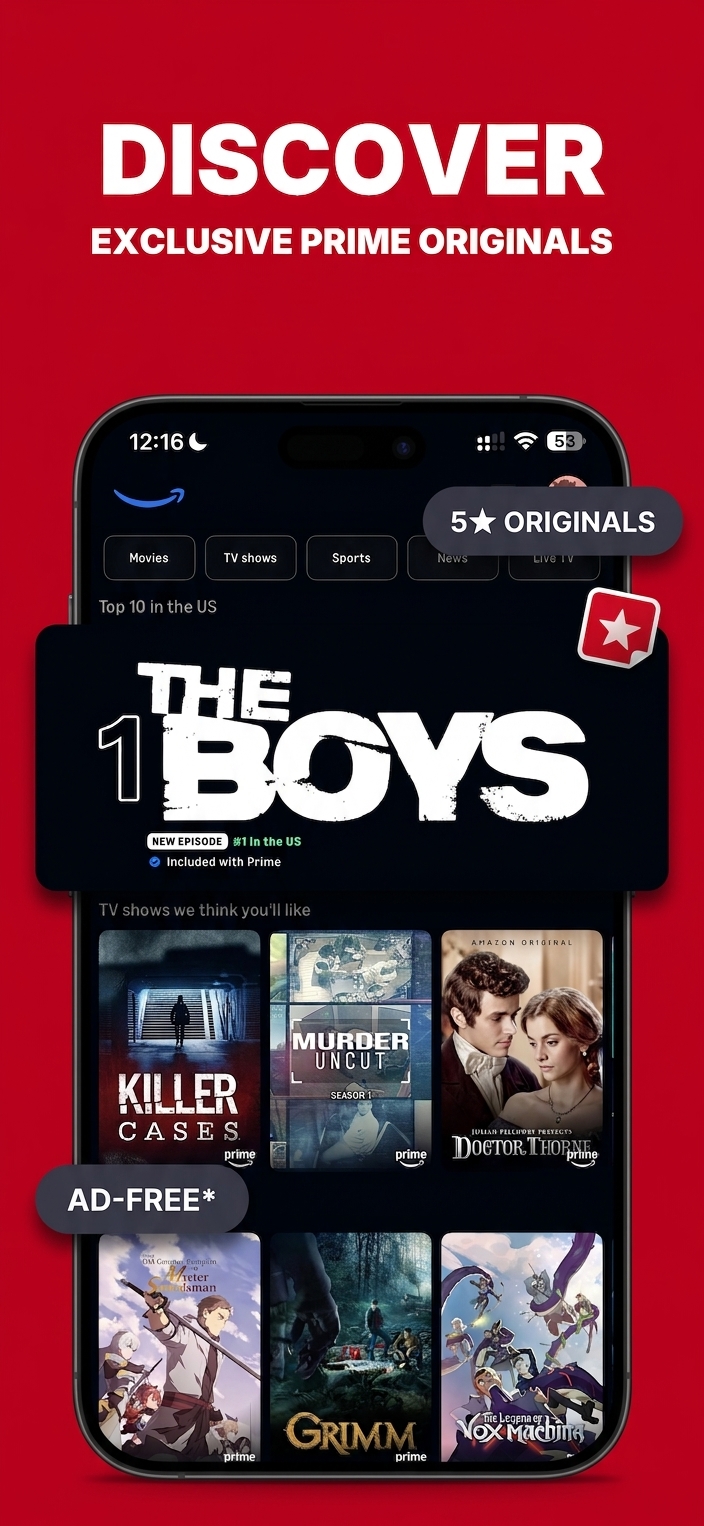
You ship apps. Every app needs six to ten App Store screenshots at three Apple-required dimensions. Figma eats hours. Template libraries force style compromises. Every shortcut breaks somewhere.
HypeShot is the pipeline, not a template library. A scaffold that stays pixel-perfect, an enhancement pass that polishes without drifting, and a style template flow that keeps the whole set cohesive. Built for builders who would rather ship than design.
Three steps from app screenshots to App Store
Upload raw screenshots
Drag in PNG or JPG exports of your app. Up to ten per run.
Pick a preset or define your own
Choose a locked preset or describe the aesthetic ad hoc. HypeShot handles palette, typography, and layout.
Download every Apple dimension
iPhone 6.5, 6.7, 6.9, and iPad 13. Bundled as a zip, ready to drop into App Store Connect.
The parts that make it work
Style Template Flow
Approve the first screenshot once. Every screenshot after it inherits the same device rendering, text treatment, and background style. No visual drift across your set.
Brand asset locking
Upload your mascot, logo, or product photo. HypeShot places it exactly as you drew it. No reinterpretation, no recoloring, no redrawing.
Every Apple dimension
iPhone 6.5, 6.7, 6.9, and iPad 13 covered by default. One export, every canvas size App Store Connect asks for.
Context-aware headlines
Drop in your app spec as markdown. HypeShot reads it and writes verb-first headlines that reference your real features, not generic App Store copy.
Stop designing screenshots by hand
Open the studio and generate your first set. Your app ships faster when the App Store page stops being the bottleneck.
Enter Studio